
How to Make a Game Without Coding: Why No-Code Tools Fail Beginners (And What's Changed in 2026)
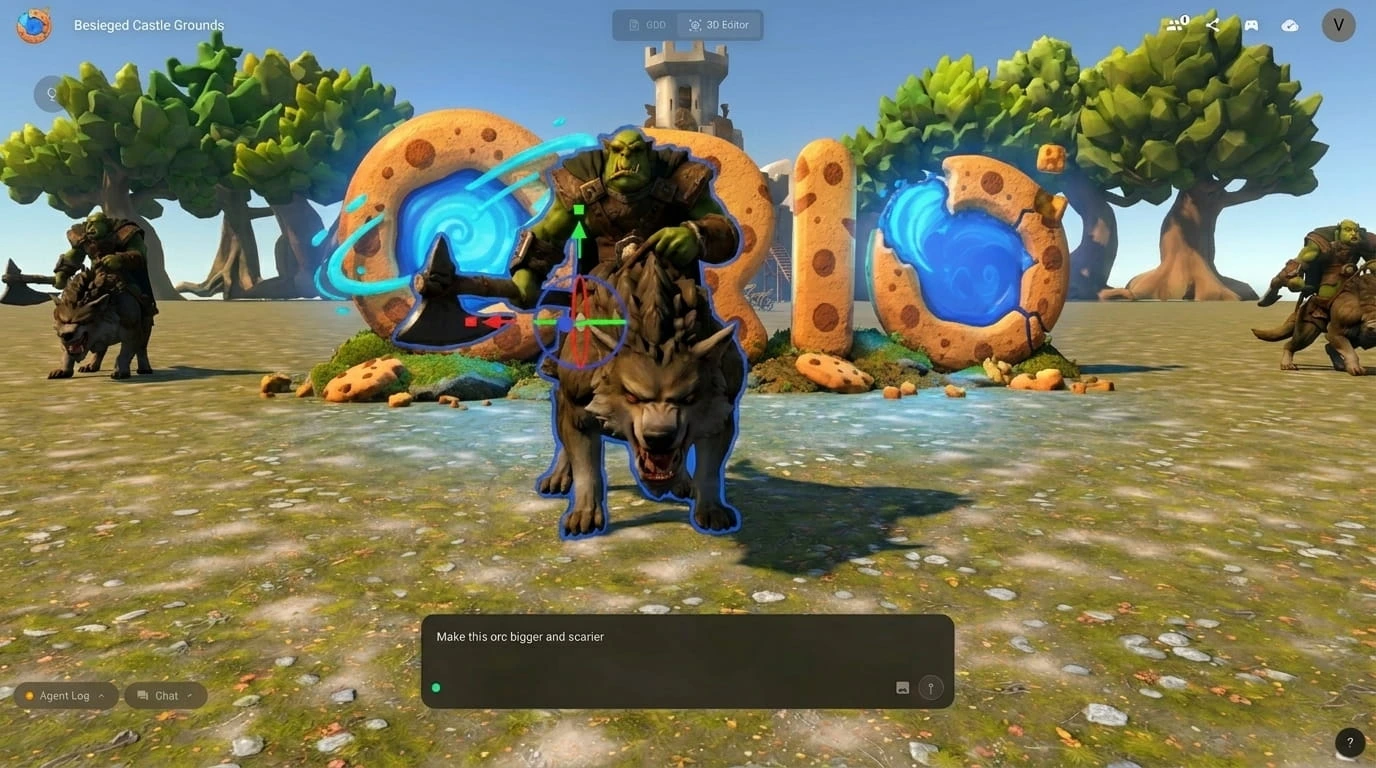
If you've ever searched for how to make a game without coding, you've felt the disappointment. You find a list of tools. You open one. Fifteen minutes later you're staring at a node graph wondering how this is simpler than just learning to code.
Here's why that keeps happening — and why 2026 is the first year the answer is genuinely different.
"No-Code" Doesn't Mean What You Think
Tools like GDevelop, Buildbox, Construct, and GameMaker are real and genuinely impressive. But there's a gap between what "no-code" promises and what it delivers for someone with zero game development background.
No-code usually means visual scripting — dragging logic blocks instead of typing code. The syntax is gone, but the thinking is the same. You're still reasoning about conditions and consequences. You're still managing an asset pipeline. You still need to understand what a collision box is before your character stops falling through the floor.
The learning curve is shallower. But it's still a curve.
Here's the honest truth: most no-code tools were built by developers, for developers who didn't want to write as much code. They weren't built for someone who just has an idea and wants to see it exist as something playable. That's a different problem.
3D Makes It Even Harder
If your idea is a 2D side-scroller, no-code tools are at least closer to usable. But if you're imagining a 3D world — explorable, atmospheric, with a character moving through space — the difficulty multiplies.
3D game development has always required a parallel track of skills: 3D modelling, rigging, lighting, physics simulation. A no-code tool removes the coding. It can't remove the need for 3D assets and the knowledge of how to put them together.
This is why making a 3D game without any background has felt so out of reach. It's not one skill barrier — it's several stacked on top of each other.
The 2026 Divide
Something important happened in the games industry that's worth knowing.
The GDC 2026 State of the Game Industry report — based on 2,300+ game professionals — found that 52% now view generative AI negatively, up from 18% two years ago. Only 7% see it as a positive force.
If you've spent time in game dev communities online, you've felt this resistance. It's real and, from their perspective, understandable.
But here's what that statistic is actually measuring: the feelings of people who already know how to make games.
It says nothing about the far larger group who have never been able to make a game at all — not because they lacked ideas, but because every available path required years of technical training they never wanted. For that group, AI in games looks completely different. There's no craft to threaten. There's only a door that's been locked for a long time, finally opening.
What's Changed: Generation Instead of Assembly
The shift isn't an improvement to existing no-code tools. It's a different category entirely: generation.
Instead of assembling a game piece by piece, you describe what you want and the AI builds it. No logic blocks. No asset pipelines. No collision boxes.
This is the same transformation that happened in image creation (Midjourney), writing (ChatGPT), and video. Games are going through it now. Between 2024 and 2026, the number of new game creators using AI tools grew by over 300%. The market for AI game creation is projected to reach $32 billion by 2035.
The result isn't a mockup or prototype. It's a fully playable 3D game — world, assets, mechanics, game logic — generated from a sentence.
How It Works
Orio is a browser-based AI game creation platform built for this. No downloads, no engine, no coding background needed.
You type a prompt. Orio expands it into a full game concept for your approval, then builds the complete 3D world with working mechanics and a Game Design Document — the same planning document professional studios use, automatically generated alongside your game.
From there: play immediately, adjust through prompting, or go deeper in the editor.
Who This Is For
- 💡The Frustrated Dreamer
You've had a game idea for years. You tried Unity or a no-code tool once and gave up, not because you weren't capable, but because the tools assumed knowledge you'd never needed. This approach was built for you.
- 🎨The Creative Non-Developer
You're an artist, writer, designer, or teacher. You want to make something interactive without becoming a programmer.
- 🤖The AI Enthusiast
You already use generative AI tools. You want to see what generation means for games specifically, and you're not put off by the professional backlash because you're not a professional developer. You're a creator.
Ready to Build?
The full step-by-step walkthrough with a real example is available in Part 2. See exactly how an AI generated game is built.